
What is Looker Studio?

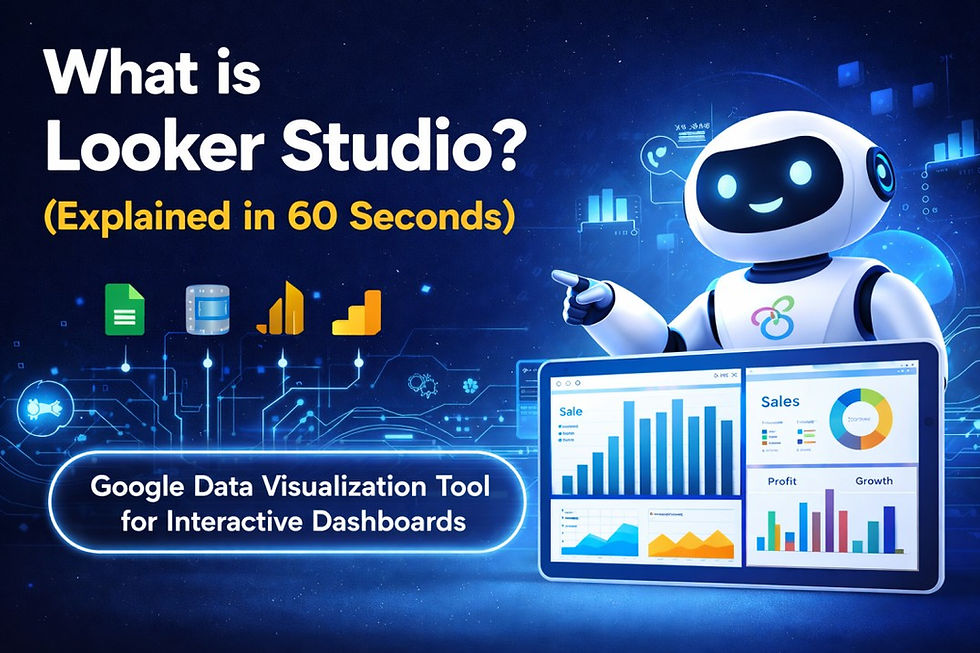
Looker Studio is a free data visualization tool by Google that helps users create interactive dashboards and reports by connecting multiple data sources like Google Analytics, Sheets, and databases.
Simple Explanation
Looker Studio allows businesses to turn raw data into easy-to-understand visual reports such as charts, graphs, and dashboards—all in one place.
It is widely used for:
Marketing performance tracking
Website analytics reporting
Business dashboards
How Does Looker Studio Work?
It works in 3 simple steps:
Connect Data – Link sources like Google Analytics, Ads, or Excel
Create Dashboard – Use drag-and-drop charts and visuals
Share Insights – Publish reports and share with teams or clients
Key Features
Free to use
Real-time data updates
Multiple data source integration
Customizable dashboards
Easy sharing and collaboration
Who Should Use Looker Studio?
Marketers tracking campaigns
Businesses needing real-time dashboards
Analysts creating reports
Agencies sharing client insights
Looker Studio is a free and powerful tool for creating interactive dashboards by connecting and visualizing data from multiple sources, making it easier to analyze and share insights.


Comments