
How to Use Conditional Formatting in Power BI Tables

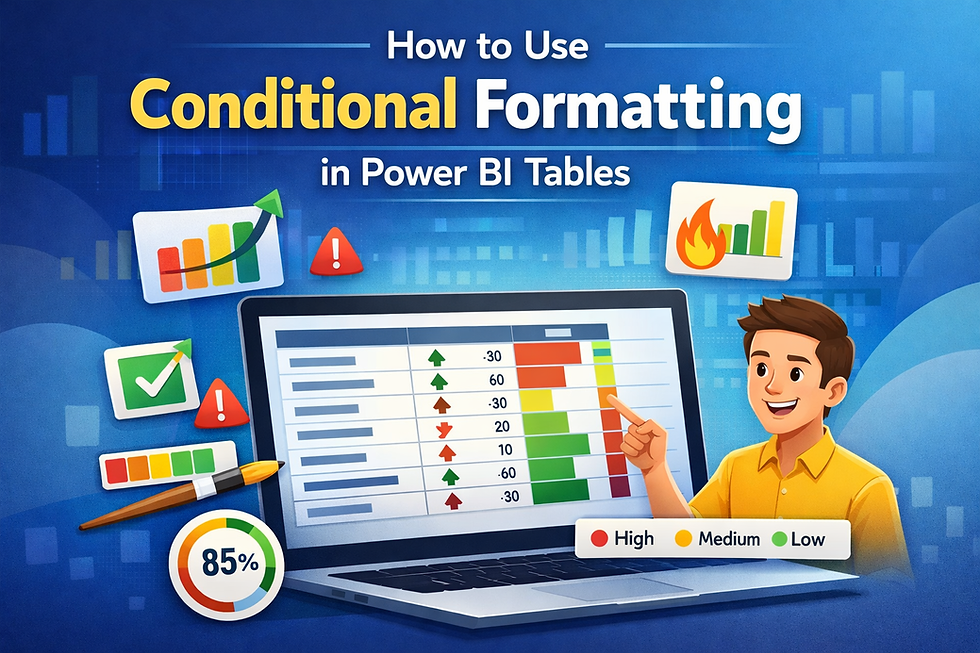
Conditional formatting in Microsoft Power BI helps transform plain tables into visually insightful reports. It allows you to highlight important values using colors, icons, or data bars—making patterns and trends instantly visible.
In simple terms, conditional formatting applies visual rules to data based on values, helping users quickly identify performance, risks, or outliers.
Conditional formatting in Power BI tables is a feature that applies colors, icons, or data bars to values based on rules, making data easier to interpret and analyze.
Why Conditional Formatting Matters
Tables often contain large amounts of data, which can be difficult to analyze at a glance. Conditional formatting solves this by visually guiding users.
It helps:
Highlight top and bottom performers
Identify trends and anomalies
Improve dashboard readability
Enable faster decision-making
Steps to Use Conditional Formatting in Power BI
1. Select Your Table Visual
Add or select a table in your report.
2. Open Formatting Options
Go to the Format pane and expand the column you want to format.
3. Apply Conditional Formatting
Click on options like:
Background color
Font color
Data bars
Icons
4. Define Rules
Set rules based on:
Value ranges
Percentages
Field values
5. Customize Colors
Choose color gradients or fixed colors (e.g., green for high, red for low).
Example Use Case
Imagine a sales report:
Revenue > $10,000 → Green
Revenue between $5,000–$10,000 → Yellow
Revenue < $5,000 → Red
This instantly shows which regions are performing well and which need attention.
Best Practices
To get the most out of conditional formatting:
Use consistent color schemes
Avoid too many colors (keep it simple)
Highlight only key metrics
Combine with KPIs for better insights
Common Mistakes to Avoid
Overusing colors (creates confusion)
Using unclear thresholds
Ignoring accessibility (color blindness)
Applying formatting without context
Conditional formatting is a powerful way to enhance Power BI tables. By turning raw numbers into visual insights, it helps businesses make faster and smarter decisions.
If you want to create dashboards that truly communicate data, mastering conditional formatting is essential.


Comments