
How Interactive Dashboards Improve Decision-Making

Updated: Apr 20
In today’s fast-paced business environment, static reports are no longer enough. Interactive dashboards built using tools like Power BI and Looker Studio empower organizations to explore data in real time and make smarter decisions.
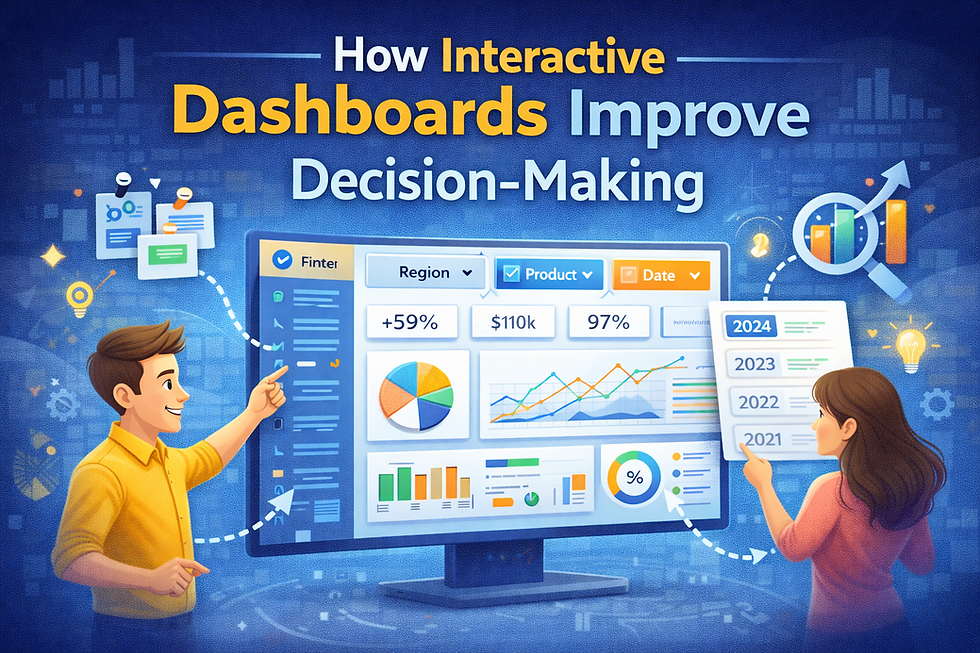
Why Interactive Dashboards Matter
Enable real-time data exploration
Improve data transparency across teams
Reduce dependency on manual reporting
Accelerate decision-making processes
Key Features of Interactive Dashboards
1. Real-Time Data Updates
Dashboards automatically refresh, ensuring decisions are based on the latest data
2. Drill-Down Capabilities
Users can click into specific data points to uncover deeper insights
3. Filters and Slicers
Customize views based on region, time, product, or any dimension
4. Visual Storytelling
Charts, graphs, and KPIs simplify complex data for better understanding
Example Use Case
A sales manager uses an interactive dashboard to track regional performance. By applying filters, they quickly identify underperforming regions and take immediate action.
Common Mistakes to Avoid
Overloading dashboards with too many visuals
Using unclear or inconsistent metrics
Ignoring user experience and navigation
Pro Tips
Focus on key KPIs that align with business goals
Use clean and simple visual layouts
Enable user-friendly filters for better exploration
Interactive dashboards transform raw data into actionable insights, helping businesses respond faster and make data-driven decisions with confidence.


Comments